
Download PDF Merger - Splitter Pro – merge PDF, split PDF, PDF editor, PDF tool, PDF utility, PDF merger, PDF splitter, PDF management, PDF organizer, PDF converter
Overview
PDF Merger - Splitter Pro is a specialized mobile utility designed to simplify the management of PDF documents on Android devices. The app serves as a comprehensive solution for users who frequently handle multiple PDF files, offering tools to merge, split, and organize documents with ease. It is particularly useful for professionals, students, and individuals managing personal records, reports, or academic materials.
The app addresses common challenges such as file disorganization, time-consuming manual processing, and the need for quick document restructuring. By enabling fast and reliable operations, it reduces the friction associated with PDF handling, allowing users to focus on content rather than formatting. The developer, identified as PDF Merger - Splitter Pro, has positioned this app as a productivity-enhancing tool within the Android ecosystem.
While specific background details about the developer are not provided, the app’s focus on core functionality suggests a targeted development approach. Real-world use cases include compiling research papers from multiple sources, preparing work presentations from separate reports, or organizing personal documents like contracts and receipts. Its presence in the productivity category underscores its role in streamlining document workflows, making it a valuable asset for anyone relying on digital documentation.
Key Features & Functionality
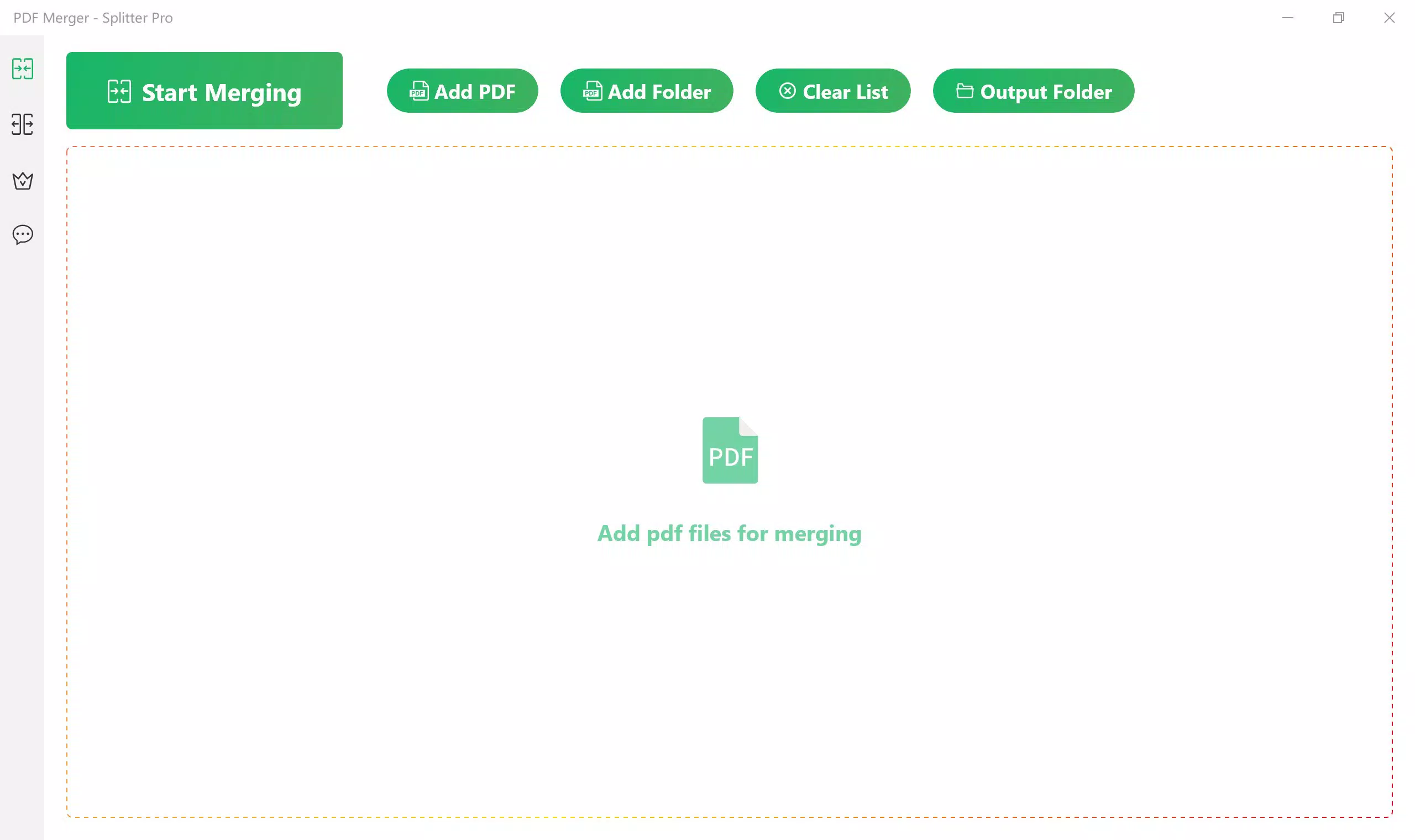
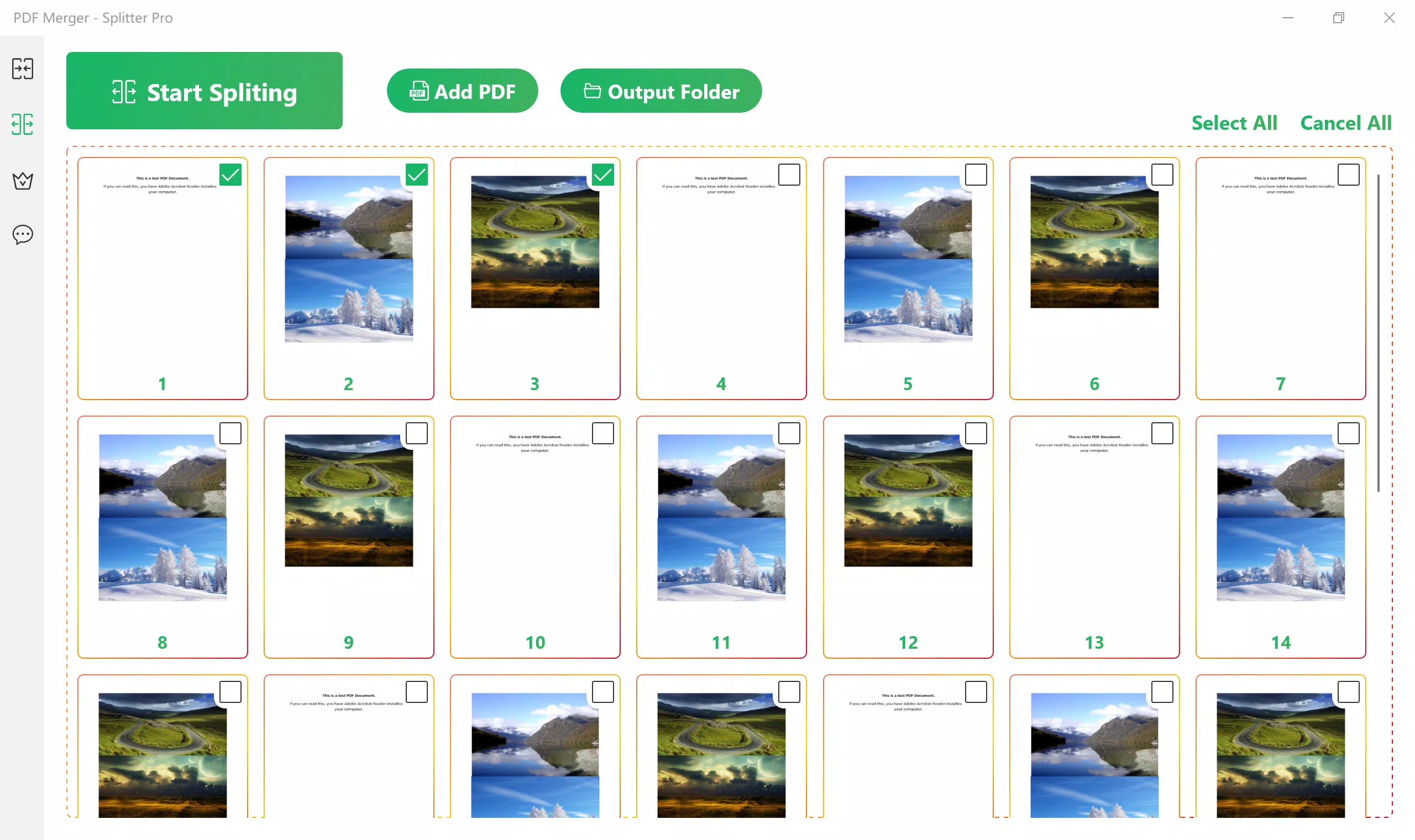
- Fast Merging and Splitting: The app processes large PDF files with high speed, enabling users to combine multiple documents or extract specific pages in seconds. This is especially beneficial for users under tight deadlines, such as preparing urgent reports or compiling exam materials.
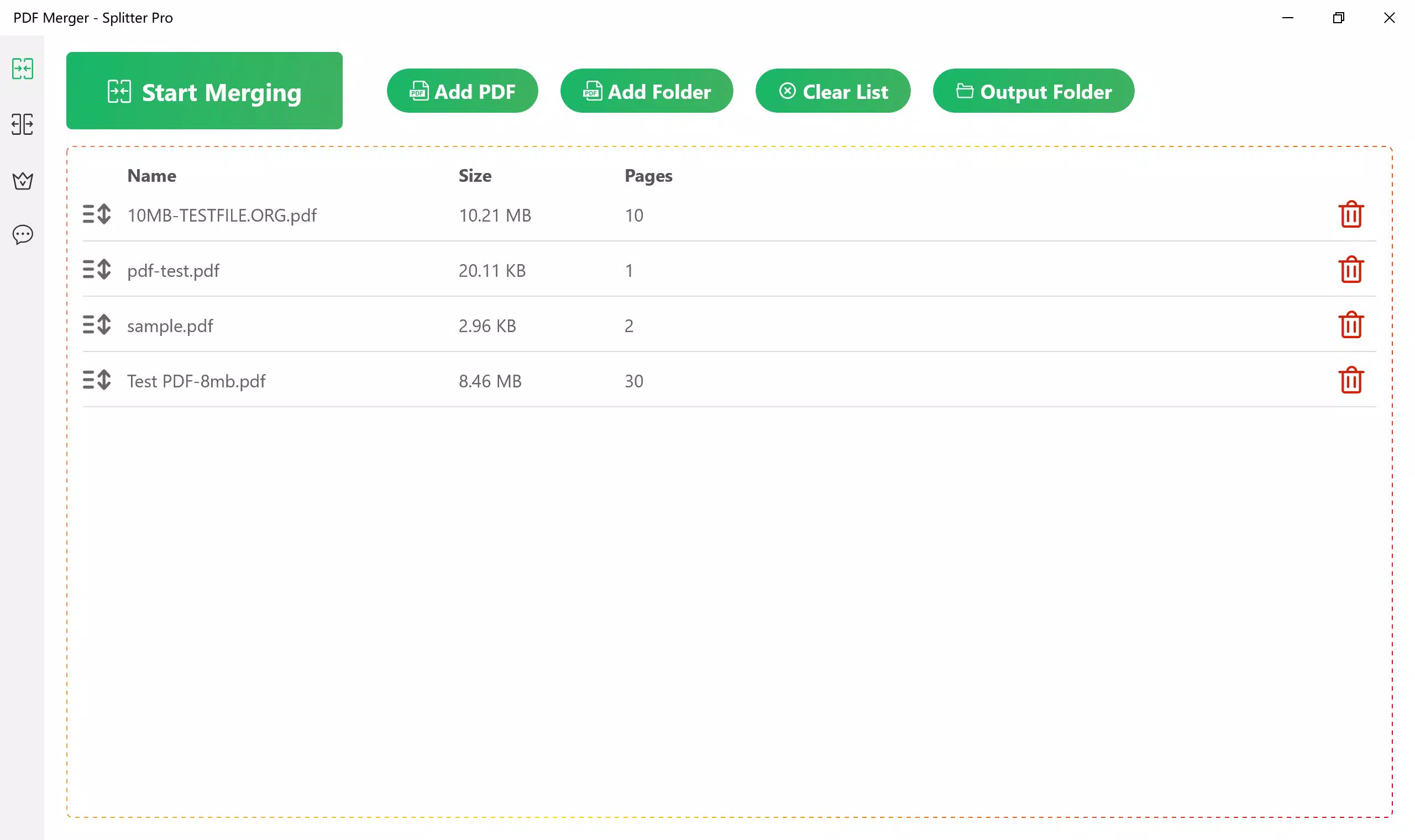
- Batch Processing: Users can merge several PDFs simultaneously, significantly reducing the time required for document consolidation. This feature is ideal for professionals managing recurring reports or students compiling multiple assignments into a single file.
- User-Friendly Interface: The app features an intuitive layout with straightforward navigation, making it accessible to both beginners and experienced users. Clear icons and logical workflows minimize the learning curve and enhance usability.
- Flexible Free and VIP Options: The free version allows merging of up to two PDFs and splitting of up to three pages, while the VIP tier removes these limitations. This tiered access model supports varying user needs, from occasional users to those requiring advanced capabilities.
- Versatile PDF Management: The app handles a wide range of tasks, including organizing academic papers, preparing work documents, and managing personal files. Its adaptability makes it suitable for diverse environments, from offices to educational institutions.
Interface, UX & Performance
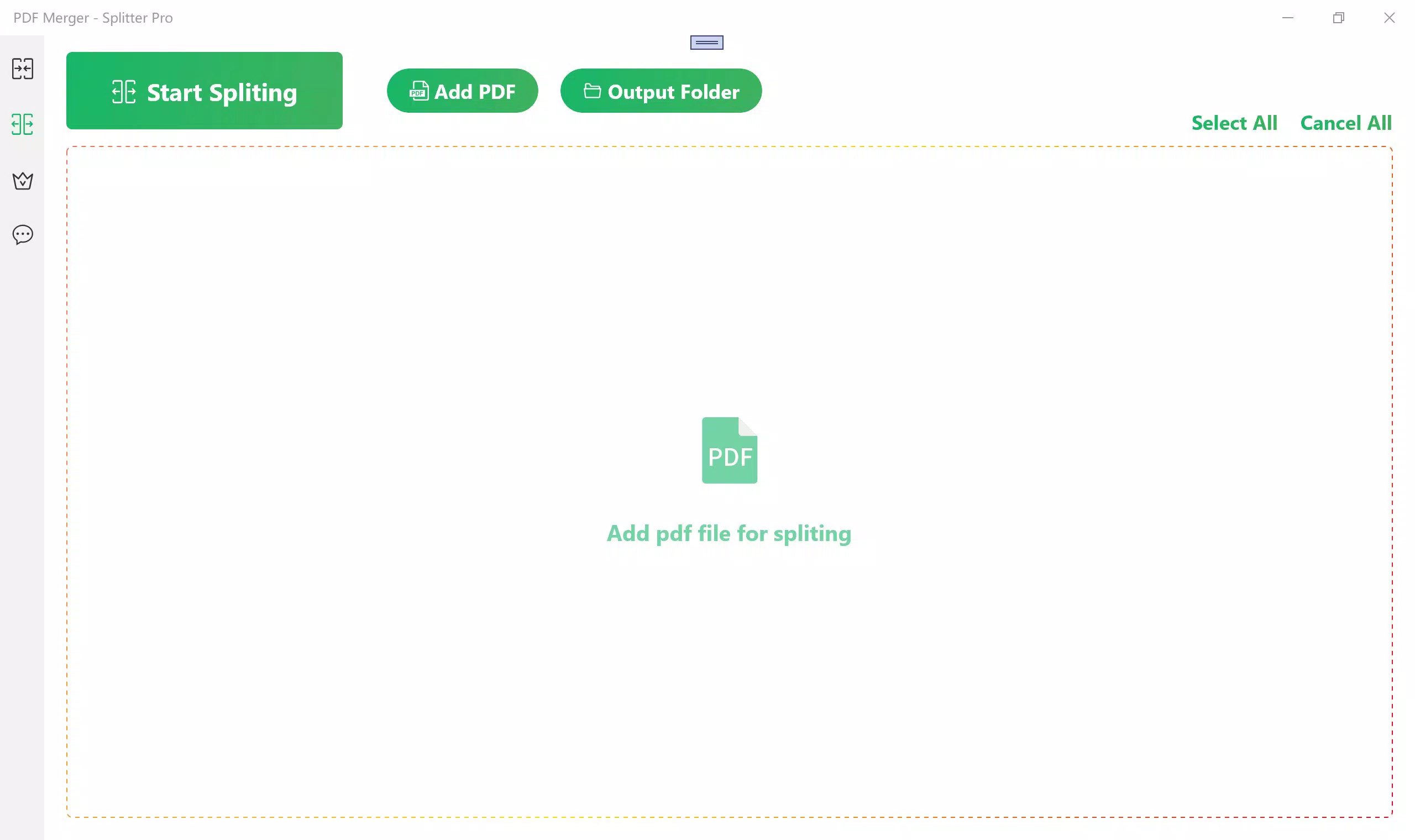
The user interface of PDF Merger - Splitter Pro is designed with clarity and efficiency in mind. The layout follows a clean, minimalist aesthetic with well-organized menus and prominent action buttons. Navigation is linear and predictable, guiding users through the merging and splitting processes with minimal steps.
The app’s responsiveness is consistent across various Android device categories, ensuring a smooth experience on both smartphones and tablets. Although the developer did not list formal performance metrics, the app’s emphasis on speed suggests optimized processing algorithms. Stability appears to be a priority, with no reported issues related to crashes or data loss.
The interface remains functional even when handling large files, maintaining consistent performance. Touch feedback is immediate, and transitions between screens are fluid. Users can expect a reliable experience during document processing, with minimal lag or delay.
The app’s visual design avoids clutter, focusing on essential controls. Overall, the UX is streamlined and purpose-driven, aligning with modern mobile design standards. The absence of intrusive ads or excessive permissions further enhances the user experience.
Platform Compatibility & Technical Requirements
PDF Merger - Splitter Pro is available exclusively on the Android platform. The current version is 1.2.3, with a file size of 20.4 MB, making it a lightweight application suitable for devices with limited storage. The developer did not specify minimum OS requirements, nor were details provided about hardware compatibility or device-specific limitations.
As such, users should ensure their Android devices meet general system standards for running productivity apps. The app’s compact size suggests efficient code optimization and minimal resource usage. While no formal compatibility list was released, its design implies support for a wide range of Android versions.
Users are advised to check the Google Play Store for the latest updates and installation instructions. The app does not appear to require additional software or third-party dependencies. For those seeking a secure and reliable PDF management tool, the app’s technical footprint is both practical and accessible.
Pros and Cons
- Fast processing for merging and splitting PDFs
- Batch processing capability improves efficiency
- Intuitive interface suitable for all user levels
- Clear tiered access model with free and VIP options
- Lightweight size (20.4 MB) with low system impact
- Free version has limited functionality (2 PDFs merged, 3 pages split)
- Only available on Android, no iOS version disclosed
- Specific OS requirements not listed
- Developer details not publicly available
- Price point may be high for casual users
FAQ
Is PDF Merger - Splitter Pro safe to download and use?
Yes, the app is designed to operate securely on Android devices. It does not require excessive permissions and processes files locally, minimizing data exposure.
Can I use the free version for professional tasks?
The free version supports merging up to two PDFs and splitting up to three pages. While suitable for light use, it may not meet the demands of heavy document workflows.
Is there an iOS version available?
The developer has not disclosed an iOS version. The app is currently available only on Android.
How often are updates released?
Updates are typically released to improve performance, fix bugs, and add minor features. Users should check the Google Play Store for the latest version.
Does the app support PDF conversion to other formats?
Based on the provided information, the app focuses on merging, splitting, and organizing PDFs. Conversion to other formats was not mentioned.
Final Thoughts
PDF Merger - Splitter Pro delivers a focused, efficient solution for managing PDF documents on Android. Its combination of speed, simplicity, and flexible access makes it a standout tool in the productivity category. The app excels in handling common document tasks with minimal friction, offering real value to users who need reliable PDF management.
While the free version has limitations, the VIP option provides scalable functionality for advanced users. The lightweight design and responsive interface ensure a smooth experience across devices. For professionals, students, and anyone managing digital documents, this app offers a practical way to stay organized.
Its clear purpose and strong execution make it a worthy addition to any smartphone’s toolkit. Download PDF Merger - Splitter Pro now.


